
Managed Firewall · Chicago Metro
Managed Firewall Services in Chicago: Someone Has to Own the Rules
Managed firewall services in Chicago come down to ownership. Your firewall decides what can reach your network and what can leave it, and it does that through a list of rules that somebody wrote at some point. If nobody is responsible for reviewing that list, it grows, ages and quietly stops matching how your business works.
Datastrive manages firewalls for Chicago businesses: the rules, the remote access settings, the updates and the record of what changed and why. We work alongside your network and infrastructure management and the rest of our cybersecurity services, so the firewall is not a separate island.
- Firewall rule review, change control and written records of what changed
- VPN and remote access settings maintained for the people who need them
- Firmware and software updates planned instead of left for later
- Serving Chicago and businesses across Cook, DuPage, Lake and Will counties
Book a Free Firewall Review
Tell us a little about your business and someone from our team will reach out to set up a time. Your information stays private.
Managed Firewall Services Chicago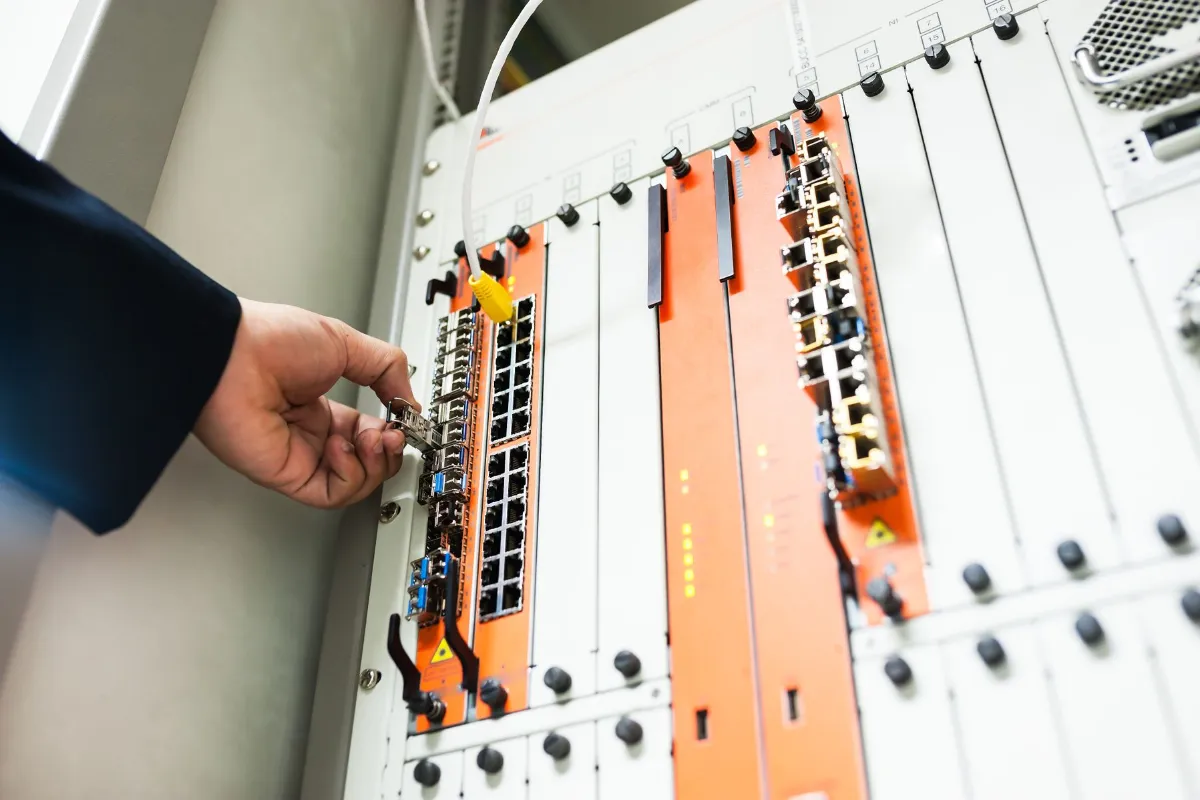
What Is a Managed Firewall?
A managed firewall is a business firewall that an IT team configures, updates and reviews on an ongoing basis, instead of one that is set up once and left alone. The firewall is the device or software at the edge of your network. The management is the work of keeping its rules, settings and software current.
A firewall controls traffic between your internal network and the internet, and sometimes between different parts of your own network. It allows, blocks or limits that traffic based on rules, such as which devices can connect, from where and to what. Many business firewalls also provide secure remote access through a VPN, which is a private connection for people working outside the office. Depending on the model, a firewall may add features such as intrusion prevention or web filtering. Which of those are turned on, and how they are set, is part of what management covers.
Why It Matters
How a Firewall Drifts Out of Date
A firewall usually starts out well configured and then drifts. Every temporary rule, remote access request and new office adds something to it, and rarely does anyone go back to remove what is no longer needed.
These are the things we find most often when we read a firewall for the first time:
- A rule opened for a provider’s support session that was never closed
- Remote access accounts for people who left or for contractors whose project ended
- Settings left at the manufacturer’s defaults
- Rules nobody can explain because the person who added them has moved on
- Software that has not been updated since installation
- A firewall that no longer matches the network behind it after an office move, new Wi-Fi or a move to the cloud
None of these look urgent on any given day, which is why they last. Managing a firewall is mostly the work of finding them and deciding, with you, what to keep.
What’s Included
What Managed Firewall Services Include
The scope depends on your firewall and your agreement. We confirm it in writing at the start so you know what we handle and what stays with you.
Configuration Review
We start by reading the firewall as it is today: its rules, remote access settings, administrator accounts and software version. You get a plain-English list of what is there, what looks outdated or unnecessary and what we recommend changing.
Rule Management and Change Control
When you need a rule added, changed or removed, the request comes through our support channels, gets reviewed and is recorded along with the reason for the change. That record is the difference between a firewall you can explain and one you inherit. We also review the full rule list on a schedule agreed with you, and again whenever your business changes.
VPN and Remote Access
Remote access is one of the most important things a firewall does and one of the easiest to let drift. We maintain VPN and remote access settings so the right people can connect and access that is no longer needed gets removed. Where you use multi-factor authentication, this work connects with our identity and access management services.
Network Separation and Guest Access
Where your network design calls for it, a firewall can keep parts of your network apart, such as guest Wi-Fi away from business systems. We review what separation exists today and recommend changes that fit how your office really works.
Firmware and Software Updates
Firewall software needs updates, and updates can change how a firewall behaves. We plan them instead of applying them at random, and we check that remote access and key rules still work afterward. Updates for computers and servers are handled separately through server and endpoint management.
Monitoring and Log Review
Where monitoring is part of your agreement, firewall alerts are included in how we watch your network. What is monitored, who reviews it and how issues are handled is agreed in advance. We do not make response-time promises. Our remote monitoring and management page explains how monitoring fits into our wider work.
Documentation
We keep a written record of your firewall configuration, your changes and the reasons behind them. When you change IT providers, add staff or need to answer a client’s security questionnaire, that record already exists.
Replacement and Upgrades
If your firewall is near the end of its life or can no longer do what your business needs, we will say so and scope a replacement as its own project. Where hardware purchase is part of your agreement, we handle quotes and ordering, including through our IT vendor management work.
Is It Right for You
Does Your Business Need Managed Firewall Services?
Most businesses with an office network, remote staff or more than one location benefit from having someone responsible for the firewall. A very small office with a simple network may only need a properly configured firewall and a periodic check. We’ll tell you if you don’t need it.
Managed firewall services tend to make sense when:
- Nobody on your team is clearly responsible for the firewall
- Employees connect remotely, or you have more than one location
- Rules or remote access were added over the years by different people
- You are not sure when the firewall was last updated
- A client or insurer has asked how your network is protected
If you already have internal IT staff who manage the firewall well, co-managed IT services can add review and backup coverage without replacing anyone.
Security
Where the Firewall Fits in Your Security
A firewall protects the edge of your network. It is one layer, and it works best alongside others.
The firewall controls what reaches your network. Endpoint security protects the computers and servers on it. Email security deals with phishing and spoofed messages. A vulnerability assessment looks for weak spots across your environment. Managed detection and response is the broader option for watching activity across your systems.
A firewall cannot stop every threat. A malicious attachment opened by an employee starts from inside the network, which is why other layers matter.
Our approach is built around the CIS Controls v8.1 framework, which includes controls for secure configuration and network infrastructure management. That framework guides what we review. It is not a certification and it does not guarantee outcomes.
Getting Started
How We Take Over an Existing Firewall
Most firewall work starts with a firewall that already exists. We read what is there, explain it to you, and then change it deliberately.
Confirm support
We check that we can support your firewall make and model.
Set up access and save a copy
We arrange administrator access properly and keep a copy of the current configuration.
Review
We go through the rules, remote access settings, accounts and software version.
Explain
We walk through the findings in plain language: what to keep, tighten or remove.
Change
We make approved changes at a planned time, with a way to reverse a change that causes a problem.
Document
We record the result and agree the review schedule.
What Datastrive handles
What we ask of you
Reviewing the configuration and recommending changes
Telling us what the network is used for, including systems and providers that need access
Making and recording approved changes
Approving changes and telling us when your business changes
Maintaining VPN and remote access settings
Telling us promptly when people join, leave or change roles
Planning software updates
Allowing maintenance windows when a change could briefly affect connections
Documenting the configuration
Renewing hardware and subscriptions when we flag they are due
Pricing
How Managed Firewall Services Are Priced
Managed firewall services are usually priced by the number of firewalls or locations and the scope of what we manage, with hardware and manufacturer subscriptions listed separately. Replacement projects are scoped on their own.
In a proposal, you should expect to see:
- A monthly management fee tied to the firewalls and scope we agree
- Hardware, if a replacement is recommended
- Subscriptions or licenses the manufacturer requires to keep the firewall supported
- Any one-time cleanup or setup work found during the first review
We do not publish numbers because they depend on your network. You receive a written proposal in plain numbers. See our managed IT services pricing guide for the factors that affect IT service costs more broadly.
Industries
Firewall Management for Chicago Industries
The right firewall setup depends on who needs access to what.
- Law firms have attorneys and staff who need controlled remote access to documents and case systems.
- Healthcare practices depend on access to practice software and patient information. Firewall settings are one part of wider privacy and security planning, and we describe our approach factually without promising compliance.
- Manufacturers often have office systems and other connected equipment on the same network, which makes it worth reviewing what is separated and what is not.
- Financial services firms handle client data and remote access, and a documented configuration helps when clients ask how the network is managed.
- Professional services firms often have hybrid staff, several outside providers and visitors using the Wi-Fi.
See all sectors we support on our industries page.
Law firmsHealthcare practicesManufacturersFinancial services firmsProfessional services firms
Service Area
Firewall and Network Security Support Across Chicago and the Suburbs
We support businesses throughout Chicago and the surrounding suburbs, including Skokie, Rosemont, Elk Grove Village, Schaumburg, Oak Brook, Downers Grove, Naperville and Aurora. The full picture across Cook, DuPage, Lake and Will counties is on our Chicagoland service area page.
Our office6351 W Montrose Ave, Chicago, IL
Counties we coverCook, DuPage, Lake and Will
Call us(773) 863-3868
FAQ
Frequently Asked Questions About Managed Firewall Services in Chicago
What is a managed firewall service?
It is ongoing management of your business firewall by an IT team: reviewing rules, maintaining remote access settings, planning updates and keeping a record of changes. The firewall is the device or software, and the service is the work of keeping it correct over time.
Does a small business need a managed firewall?
Any business with a network needs a firewall. Whether it needs one managed depends on whether someone is responsible for keeping it current. A simple office may only need a proper setup and a periodic review, while businesses with remote staff, several locations or a history of added rules usually benefit from ongoing management.
Can you manage a firewall we already own?
Often, yes. We first confirm that we support your make and model, then review the configuration before taking over management. If the firewall is at the end of its life, we will tell you and scope a replacement separately.
What is the difference between a firewall and antivirus?
A firewall controls traffic into and out of your network. Antivirus and endpoint security protect the individual computers and servers. They do different jobs and work best together.
Does a firewall protect against ransomware?
A firewall helps limit what can reach your network and can restrict risky connections, but it does not stop everything. Ransomware often arrives through email or a compromised account, which is why email security, endpoint protection, access controls and tested backups matter alongside it.
How often should firewall rules be reviewed?
A scheduled review, plus a review whenever your business changes, is a sound approach. Changes include a new office, new remote staff, a departing provider or a new system that needs access. We agree on a review schedule with each partner.
How much do managed firewall services cost?
It depends on how many firewalls or locations you have, what we manage and whether hardware or subscriptions need to be renewed. We list each part in plain numbers in a written proposal.
How do existing partners request a firewall change?
Through the client portal at portal.datastrive.com, by email at [email protected], or by phone at (773) 863-3868. Requests that come through shared channels are tracked, reviewed and recorded.
Firewall Review
Find Out What Your Firewall Is Actually Allowing
Tell us what firewall you have and what has changed in your business since it was set up. We will read the configuration, explain what is there in plain language and tell you what we would keep, tighten or remove.
Book a Free Firewall Review
Tell us a little about your business and someone from our team will reach out to set up a time. Your information stays private.