
Email Security · Chicago Metro
Email Security Services in Chicago: Protect Your Inbox and Your Name
Email security services in Chicago have to cover two different problems. One is what lands in your team’s inboxes: phishing, fake invoices and messages built to look like they came from someone you trust. The other is what goes out pretending to be you: criminals sending email that appears to come from your company’s domain to your clients and vendors.
Datastrive provides email security for businesses on Microsoft 365 and Google Workspace. We tighten what reaches your team, review how your domain is set up so it is harder to fake, and keep the settings maintained afterward. Account-level protection for Microsoft 365, such as sign-ins and mailbox rules, is covered separately under Microsoft 365 security.
- Phishing and spoofing protection for Microsoft 365 and Google Workspace mailboxes
- A review of how your domain is set up to make it harder for others to send email as you
- Clear steps for what to do when a suspicious message or a hijacked account is reported
- Serving Chicago and businesses across Cook, DuPage, Lake and Will counties
Book a Free Email Security Review
Tell us a little about your business and someone from our team will reach out to set up a time. Your information stays private.
Email Security Services Chicago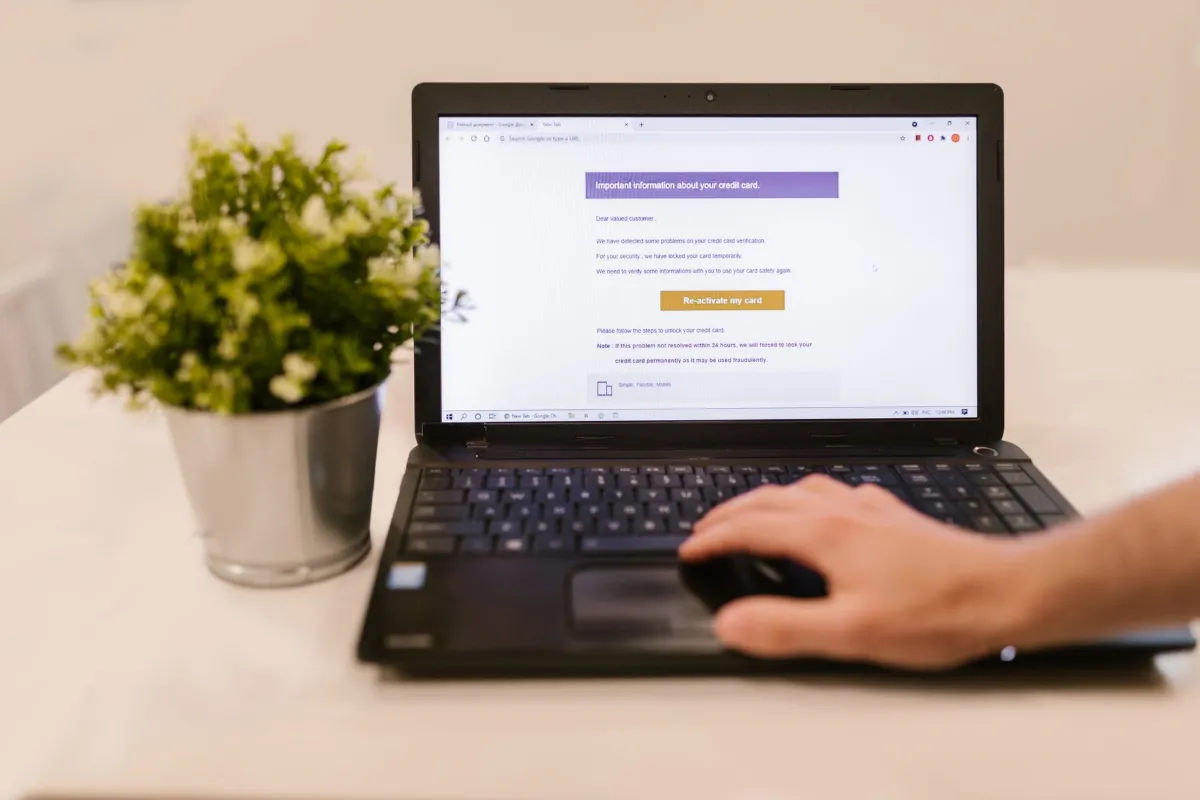
What Is Email Security?
Email security is the set of filters, settings and habits that protect your business from harmful email and from other people sending email in your name. It covers phishing, spoofing, malicious links and attachments, and the takeover of real email accounts.
It is also a people and process question. Filters catch a lot, but they cannot catch everything, and the last line of defense is often a person deciding whether a request looks right.
The Basics
Phishing, Spoofing and Business Email Compromise: What Each One Means
These terms are often used interchangeably, but they are different problems with different defenses.
Threat
What it looks like
What helps most
Phishing
A message that tricks someone into clicking a link, opening a file or entering a password
Filtering, link and attachment checks, and staff who report suspicious messages
Spoofing
A message that appears to come from your domain or a name you know, but does not
Domain authentication records (SPF, DKIM, DMARC) and impersonation filtering
Business email compromise
A convincing request, often to change payment details or send money, sometimes from a real account that has been taken over
Verifying requests by phone, multi-factor authentication and attention to unusual mailbox activity
Account takeover
Someone signs in to a real mailbox with a stolen password
Multi-factor authentication and sign-in monitoring
No filter catches every message, especially a short, plain request that comes from a real account that has been taken over. That is why the process around email matters as much as the product.
Security
Is the Email Protection in Microsoft 365 or Google Workspace Enough?
Both platforms include spam, malware and phishing protection, and for some small businesses, correctly configured built-in protection is a reasonable starting point. The risk is that settings are left at their defaults and nobody checks them.
When we review a Microsoft 365 or Google Workspace environment, we look at which protections your subscription already includes, whether the anti-phishing and anti-spoofing settings are turned on and set sensibly, and whether an additional email security layer is worth the cost for your level of risk. We’ll tell you if you don’t need it. If your platform’s own protection is set up well and fits your risk, we will say so instead of adding another subscription.
For platform administration, see Microsoft 365 management and Google Workspace management.
Security
Protecting Your Domain: SPF, DKIM and DMARC in Plain English
SPF, DKIM and DMARC are three settings on your domain that tell receiving mail systems which servers are allowed to send email as you and what to do with messages that fail the check.
SPFlists the servers allowed to send email for your domain.
DKIMadds a signature to your outgoing messages so the receiver can check they were not changed along the way.
DMARCtells receiving systems what to do when a message fails those checks, and sends reports back to you.
Together, they make it harder for someone to send email that appears to come from your company to your clients and vendors. They also help your own legitimate email get delivered. They address spoofing of your domain. They do not stop phishing aimed at your staff or the takeover of a real account. The careful part is the rollout. Invoicing software, newsletter tools and customer systems often send email as your company, and tightening the rules too fast can block your own mail. We start by finding every service that sends on your behalf, watch what the reports show, and move to stricter settings when it is safe to do so.
What’s Included
What Our Email Security Services Include
The scope depends on your platform and your agreement. We confirm it in writing at the start so you know what we handle and what stays with you.
Review of Your Current Email Setup
We look at your licenses, filtering settings, administrator accounts and domain records. You get a plain-English summary of what is in place, what is missing and what we would change.
Phishing and Malware Filtering
We set up and maintain filtering of incoming mail, including checks on links and attachments and protection against messages that impersonate people you know. The specific protections depend on your platform and on any additional email security layer chosen for your business.
Domain Authentication
We review your SPF, DKIM and DMARC records, identify the services that send email for you and plan changes in stages so your own mail keeps flowing.
Account Protection
Multi-factor authentication on mailboxes is one of the most effective protections against stolen passwords. We tie this work into our identity and access management services. Sign-in and mailbox-rule monitoring inside Microsoft 365 is covered by Microsoft 365 security.
Held Messages and Reporting Suspicious Email
Every filter occasionally holds a legitimate message. We agree how held messages are reviewed and released, and how your staff report anything suspicious so the report reaches us quickly.
Encryption and Data Loss Prevention, Where Part of Your Agreement
Some businesses need to encrypt sensitive messages or stop certain types of information from leaving by email. We confirm during scoping whether this applies to you and what it involves.
Email Security
What Happens When Someone Reports a Suspicious Email or a Hijacked Account
The first step is always the same: report it quickly, and do not delete the message or reply to it. A report through the client portal, by email at [email protected] or by phone at (773) 863-3868 gets the request tracked and in front of the team.
What happens next depends on your agreement. The usual steps are:
- Confirm what was clicked, opened or entered.
- Secure the account: reset the password, sign out active sessions and check for forwarding or hidden inbox rules.
- Look for related messages sent to others in your company.
- Tell you what we found and what we recommend.
Speed matters here, which is why we ask staff to report even when they are not sure. We do not make response-time promises.
Shared Responsibility
Who Does What: Email Security Responsibilities
Email security works when both sides do their part.
What Datastrive handles
What we ask of you
Reviewing email settings, filtering and domain records
Telling us which services send email for your business, such as invoicing, newsletters and customer systems
Setting up and maintaining protection
Using multi-factor authentication when we ask
Reviewing held and reported messages
Reporting suspicious messages instead of deleting them
Securing an account when a problem is reported
Telling us right away about a clicked link or a shared password
Documenting the setup
Confirming payment and bank detail changes by phone, using a number you already have on file
That last row is the one that stops many fraud attempts. A filter cannot know whether a request to change a vendor’s bank account is real, but a phone call to a known number can.
Security
Email Security Is One Layer of Your Defenses
Email security sits alongside other layers. Security awareness training helps people recognize what gets through. Endpoint security protects computers if a bad attachment is opened. Tested backups through backup and disaster recovery give you a way to recover if something goes wrong.
Our approach is built around the CIS Controls v8.1 framework, which includes controls for email and web browser protections. It guides what we review. It is not a certification and it does not guarantee outcomes. You can see how everything fits together on our cybersecurity services page.
Pricing
How Email Security Is Priced
Email security is usually priced per mailbox each month, either as part of a managed IT agreement or on its own. One-time setup work, such as cleaning up domain records, is listed separately.
A proposal should show:
- The monthly cost of protection for the mailboxes we agree to cover
- Whether any additional email security product is needed beyond your platform’s built-in protection
- One-time work, such as domain authentication setup
- What is included and what is not
We do not publish numbers because they depend on your platform and the number of mailboxes. You receive a written proposal in plain numbers. Our managed IT services pricing guide explains the factors that affect IT service costs.
Industries
Email Security for Chicago Industries
Different businesses are targeted with different kinds of messages.
- Law firms handle confidential client communications and payment instructions, which makes fake wire or fee instructions a real concern.
- Healthcare practices send and receive messages that may involve patient information. We describe our approach factually and do not promise compliance.
- Financial services firms deal with client instructions by email, so verifying requests matters as much as filtering.
- Manufacturers often face fake supplier invoices and requests to change payment details.
- Nonprofits and professional services firms often have small teams where one finance person approves most payments, which makes a clear verification process especially useful.
See all sectors we support on our industries page.
Law firmsHealthcare practicesFinancial services firmsManufacturersNonprofitsProfessional services firms
Service Area
Email Security Support Across Chicago and the Suburbs
We support businesses throughout Chicago and the surrounding suburbs, including Skokie, Rosemont, Elk Grove Village, Schaumburg, Oak Brook, Downers Grove, Naperville and Aurora. The full picture across Cook, DuPage, Lake and Will counties is on our Chicagoland service area page.
Our office6351 W Montrose Ave, Chicago, IL
Counties we coverCook, DuPage, Lake and Will
Call us(773) 863-3868
FAQ
Frequently Asked Questions About Email Security Services in Chicago
What is email security and why does my business need it?
Email security protects your business from phishing, spoofed messages, malicious attachments and hijacked accounts. Email is how most businesses send invoices, share files and confirm payments, so it is a common route for fraud.
What is the difference between spam filtering and email security?
Spam filtering removes unwanted bulk email. Email security covers the harder cases: messages that impersonate someone, links and attachments that are harmful, spoofing of your domain and takeover of real accounts. It also includes the settings and habits around the filter.
What is business email compromise?
Business email compromise is a fraud where someone impersonates an executive, vendor or colleague, or takes over a real mailbox, to get money, payment details or sensitive information sent to them. It often contains no harmful link or file, which makes it hard for filters to spot.
Is Microsoft 365 or Google Workspace email secure enough for a small business?
Both include useful protection, and correctly configured they may be a reasonable starting point. The risk is that settings are left at defaults and nobody reviews them. We check what you have, tell you what is missing and recommend an additional layer only if it is worth the cost for your situation.
What are SPF, DKIM and DMARC, and do I need them?
They are three records on your domain that tell receiving systems which servers may send email as you and what to do with messages that fail the check. They make it harder for others to send email that appears to come from your company. Most businesses benefit from having them set up correctly, and the rollout needs care so your own mail is not blocked.
What should I do if an employee clicked a phishing link?
Report it right away through the client portal, by email at [email protected] or by phone at (773) 863-3868. If they entered a password, change it straight away from a device you trust. Do not delete the message, because it helps us see what was involved.
How much does email security cost?
It depends on how many mailboxes you have, what your platform already includes and whether you need an extra layer. We list each part in plain numbers in a written proposal.
How do existing partners report a suspicious email?
Through the client portal at portal.datastrive.com, by email at [email protected], or by phone at (773) 863-3868. Shared channels keep every report tracked and visible to the whole team.
Email Security Review
Find Out Who Can Send Email as Your Company
Tell us which email platform you use and what has worried you: a strange invoice, a message that looked too real, or a client who got an email you did not send. We will review your setup, explain what we find in plain language and tell you what we would and would not change.
Book a Free Email Security Review
Tell us a little about your business and someone from our team will reach out to set up a time. Your information stays private.